
Build a Custom GPT to Analyze Your Substack Data
Full prompt strategy and why I prefer it over pivot tables

Can ChatGPT assist me in analyzing data effectively?
As my experience with Substack grows, I’m finding it increasingly valuable to look more closely at the data the platform provides.

Even something as simple as the subscriber list contains useful signals: who is most active, how engagement evolves, and where people are located. That kind of information can hint at trends or even help decide when to publish to better reach the audiences already present.
To explore this, I built a Custom GPT to analyze my subscriber data.
In this post, I’ll share the full context, the process, and what actually came out of it.
Ready?
This is what you’ll find in this article
How to export your Substack subscribers’ data
The prompt strategy behind this Custom GPT, ready for you to use to create your own
🔐 Access to the Custom GPT so you can experiment with your own data
🔐 A clear explanation of the prompt
🔐 Why a Custom GPT can be more effective than an Excel pivot table in this case
Analyzing your Substack publication Subscribers
When you open your publication dashboard, you’ll see a left-hand menu with several options:
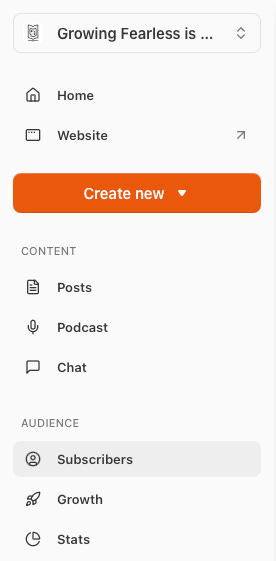
Under Audience, select Subscribers.
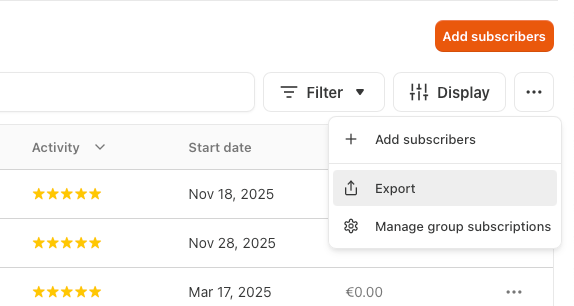
On the top-right corner of that screen, click the “…” menu. From there, you can export the entire subscriber database.
The exported file looks something like this:
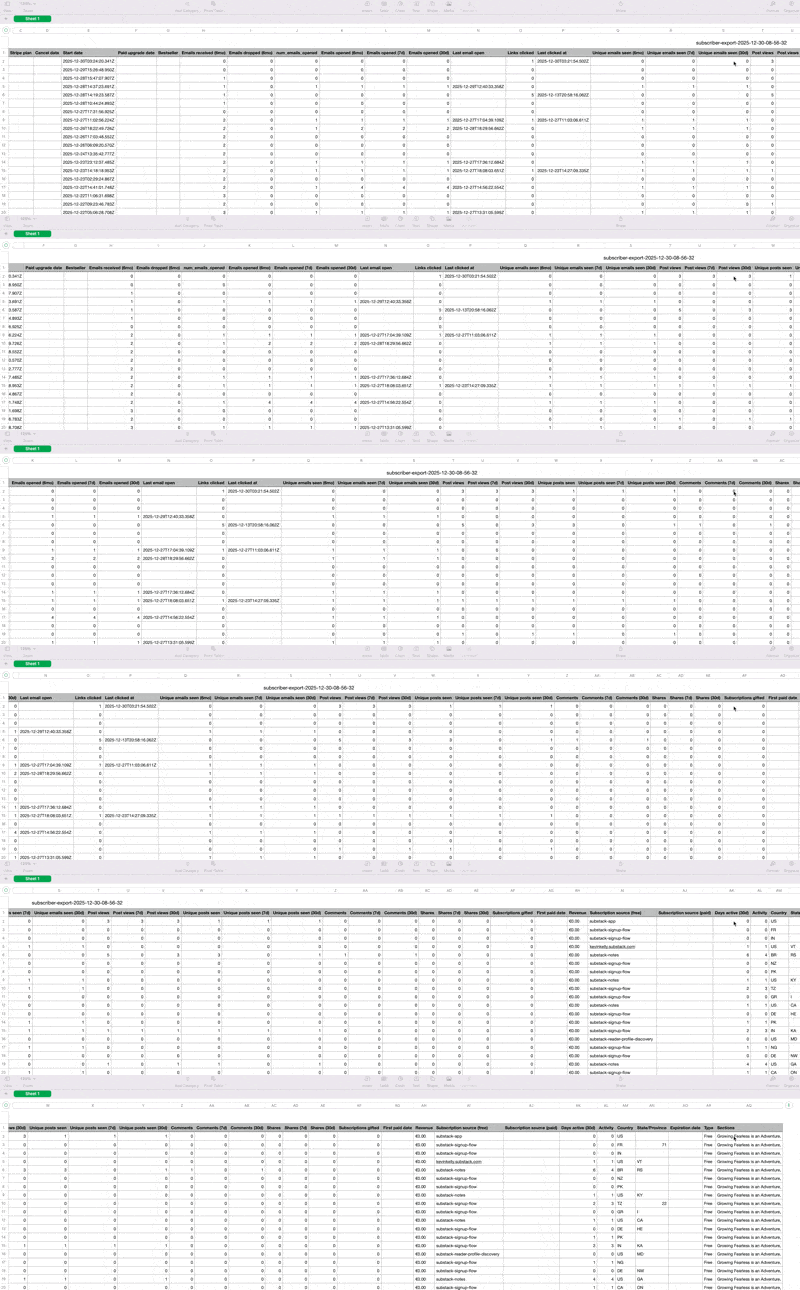
As you can see, it’s a large spreadsheet — rich in data, but not particularly friendly to explore at a glance.
Yes, you could open it in Excel or Google Sheets, build pivot tables, and start slicing the data manually. That works.
But this raised a question for me:
What if ChatGPT could do this analysis more effectively and with far less friction?
My prompt strategy
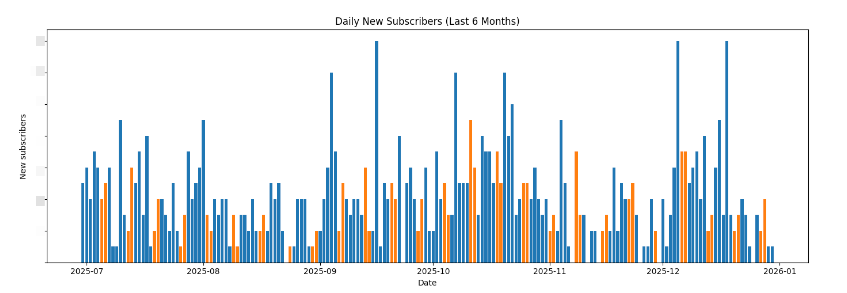
I wanted the Custom GPT to guide the analysis in clear stages, rather than jumping straight to conclusions. That way, I can pause, ask questions, and adjust the direction at each step.
Through experimentation, one thing became obvious early on:
For time-based analysis, time-zone context matters. Getting that information upfront avoids confusion later when looking at daily patterns and publishing rhythms.
This is the behavior I designed the Custom GPT to follow:
Request the CSV file exported from the Substack Subscribers section
Request the user’s time zone
Request the date scope for the analysis
Plot a graph of daily new subscribers
Plot a graph of cumulative subscribers
Plot a graph showing the average number of new subscribers per weekday
Plot a graph of subscribers by geographic location
Present a list of the most active subscribers
Conclude with a concise summary of the entire analysis
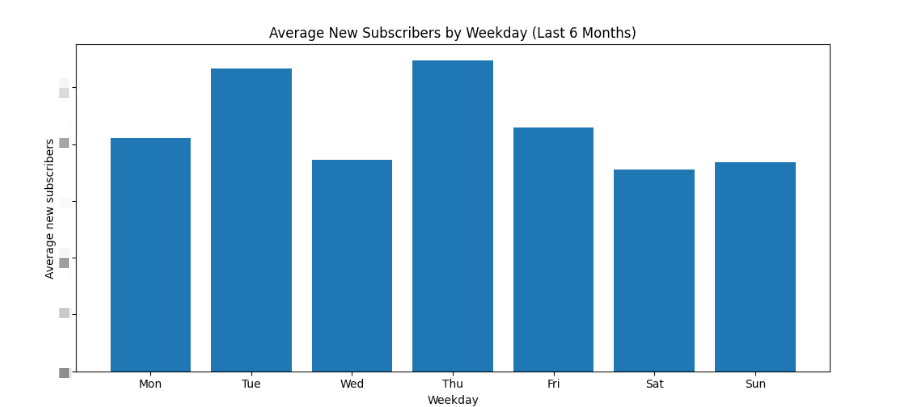
The key idea is simple:
structure first, insights second.
By enforcing this sequence, the GPT behaves less like a chatbot and more like an analytical assistant — one that can be questioned, redirected, and refined along the way.
Everything you’ve seen so far is enough to build your own Custom GPT using this strategy. You simply need to ask ChatGPT to guide you in setting up a prompt for a Custom GPT.
🔐 The following sections give access to the Custom GPT I made, the fully explained prompt, and a few additional details for those who want to go deeper.
Experiment first
I know you’d like to see how it works first. Be sure to download your subscribers’ list and have it ready.
Keep reading with a 7-day free trial
Subscribe to Automato: Smarter Work in the Age of AI to keep reading this post and get 7 days of free access to the full post archives.